
ZAI Mail Bridge
A downloadable tool for Windows
ZAI Mail Bridge
Stop Outlook from hijacking your email links.
ZAI Mail Bridge is a lightweight Windows utility that sends
mailto: links to the browser-based email account you actually
want to use.
Instead of Windows opening Outlook, the wrong app, or the wrong Gmail account, Mail Bridge lets you route email links into your chosen browser, browser profile, and webmail account.
Built for people who use Gmail or webmail daily and want email links to behave predictably.
What Problem Does It Solve?
Clicking a support email link should be simple. But on Windows, those links often open Outlook or another unwanted mail app, even if you use Gmail or another web-based provider.
ZAI Mail Bridge fixes that by acting as a small local bridge between Windows email links and your chosen webmail setup.
Example Use Case
Click a support email link on a website and open it directly in your business Gmail account instead of your personal inbox or Outlook.
If you use separate browser profiles for work, support, and personal email, ZAI Mail Bridge helps keep those workflows separated.
Key Features
- Redirect mailto links to browser-based email instead of Outlook
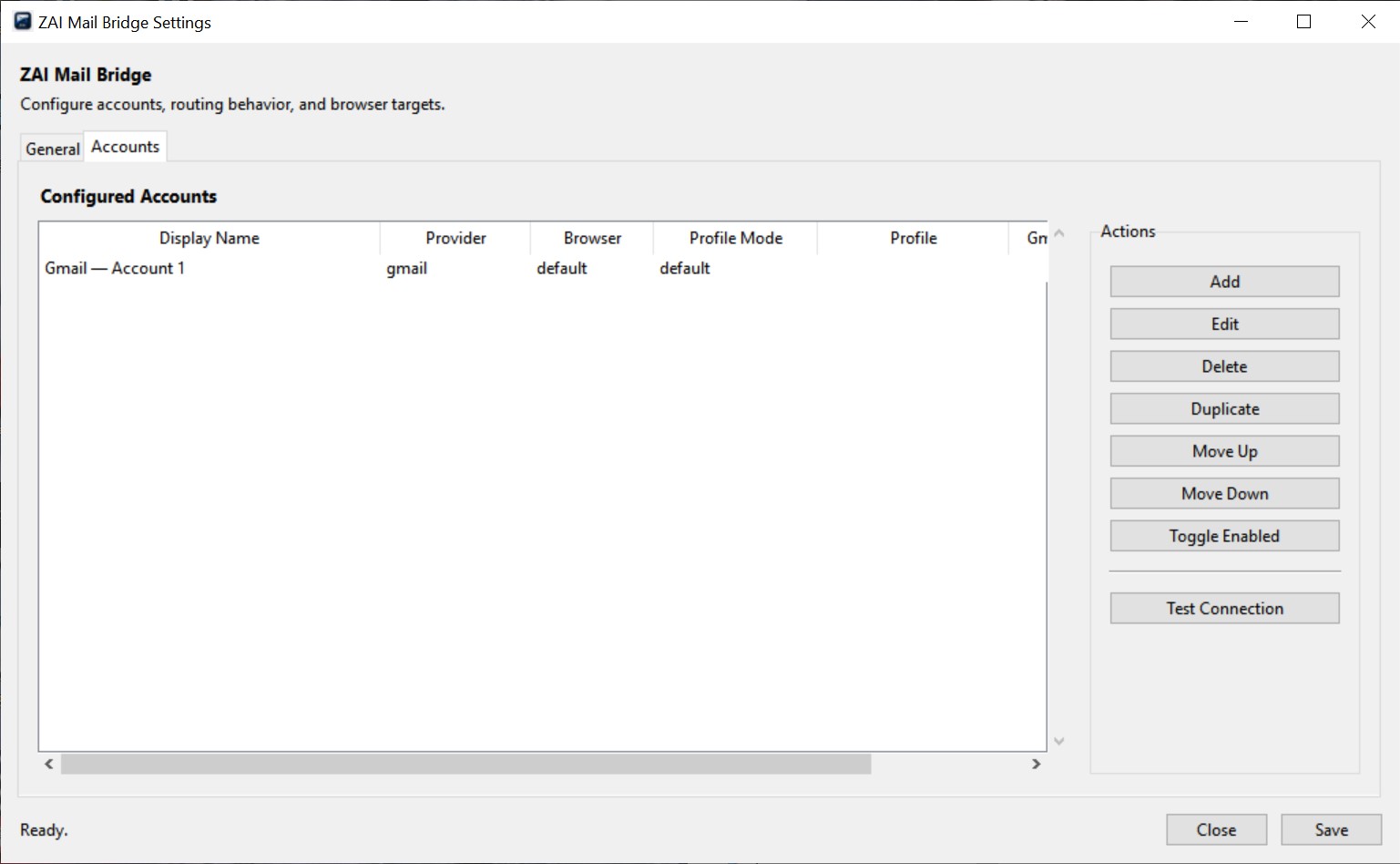
- Multiple Gmail account support using Gmail account index routing
- Browser support for Brave, Chrome, Edge, Firefox, and default browser
- Browser profile targeting for separate personal and work setups
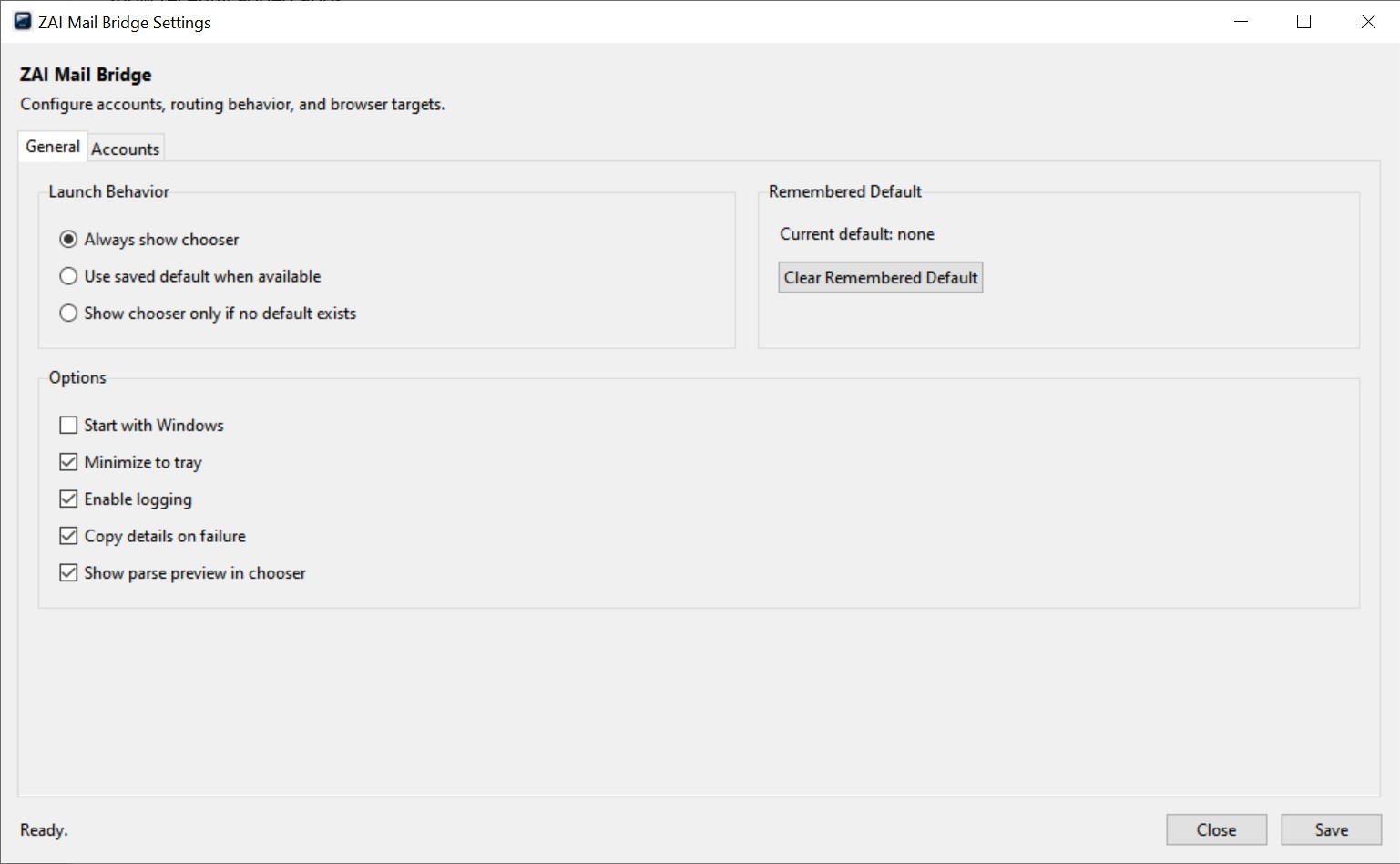
- Popup account chooser when you want to pick an account manually
- Remembered default option for faster future launches
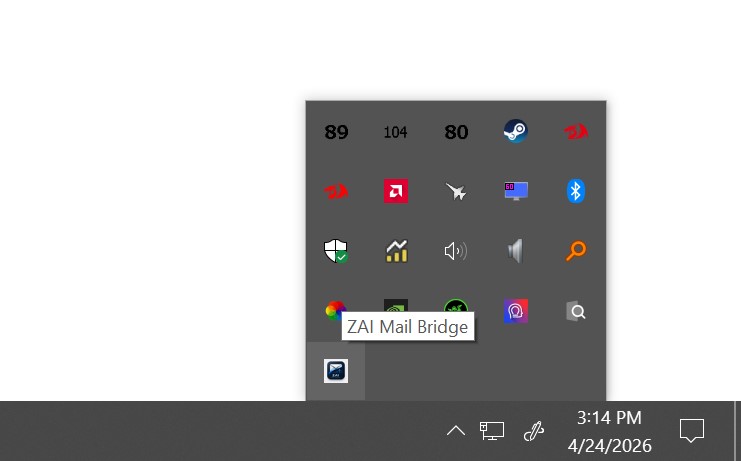
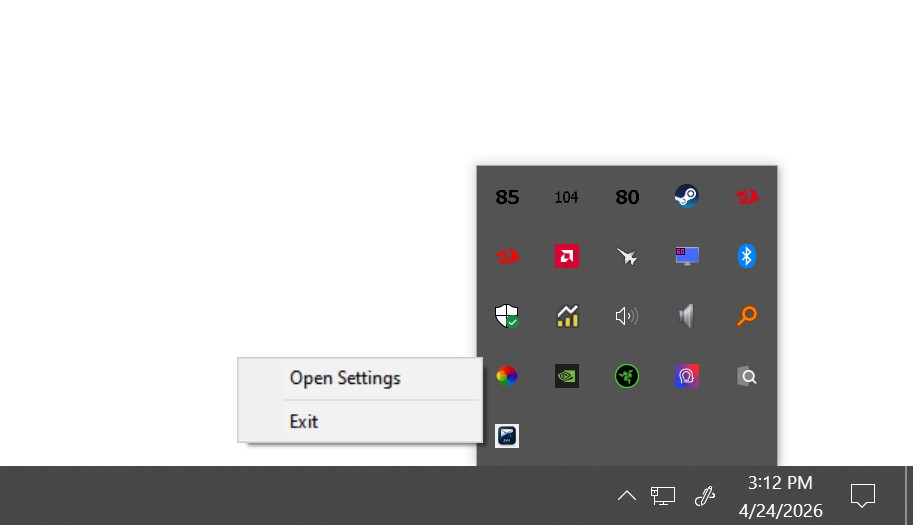
- System tray mode for lightweight background access
- Local configuration only — no cloud login, tracking, or account syncing
Designed for Multiple Gmail Accounts
If you are signed into multiple Gmail accounts in the same browser profile, ZAI Mail Bridge can target them individually using Gmail account indexes:
- 0 = first Gmail account
- 1 = second Gmail account
- 2 = third Gmail account
This makes it easy to separate personal email, business email, support accounts, and other Gmail-based workflows.
How It Works
- Install ZAI Mail Bridge
- Add your email accounts in Settings
- Use Test Connection to confirm each account opens correctly
- Set ZAI Mail Bridge as your Windows
MAILTOhandler - Click email links normally
When an email link is clicked, ZAI Mail Bridge opens the correct webmail compose window using your chosen account and browser setup.
Lightweight by Design
ZAI Mail Bridge is intentionally small and focused. It runs from the system tray and only does one job: route email links where you want them to go.
No bloated email client. No background syncing. No account scraping.
Privacy
ZAI Mail Bridge does not store email passwords, read your inbox, send email itself, or transmit your data anywhere.
Your settings are stored locally on your Windows user profile.
Included Files
- ZAI Mail Bridge installer
- README.txt
- Account Setup guide
Important Setup Note
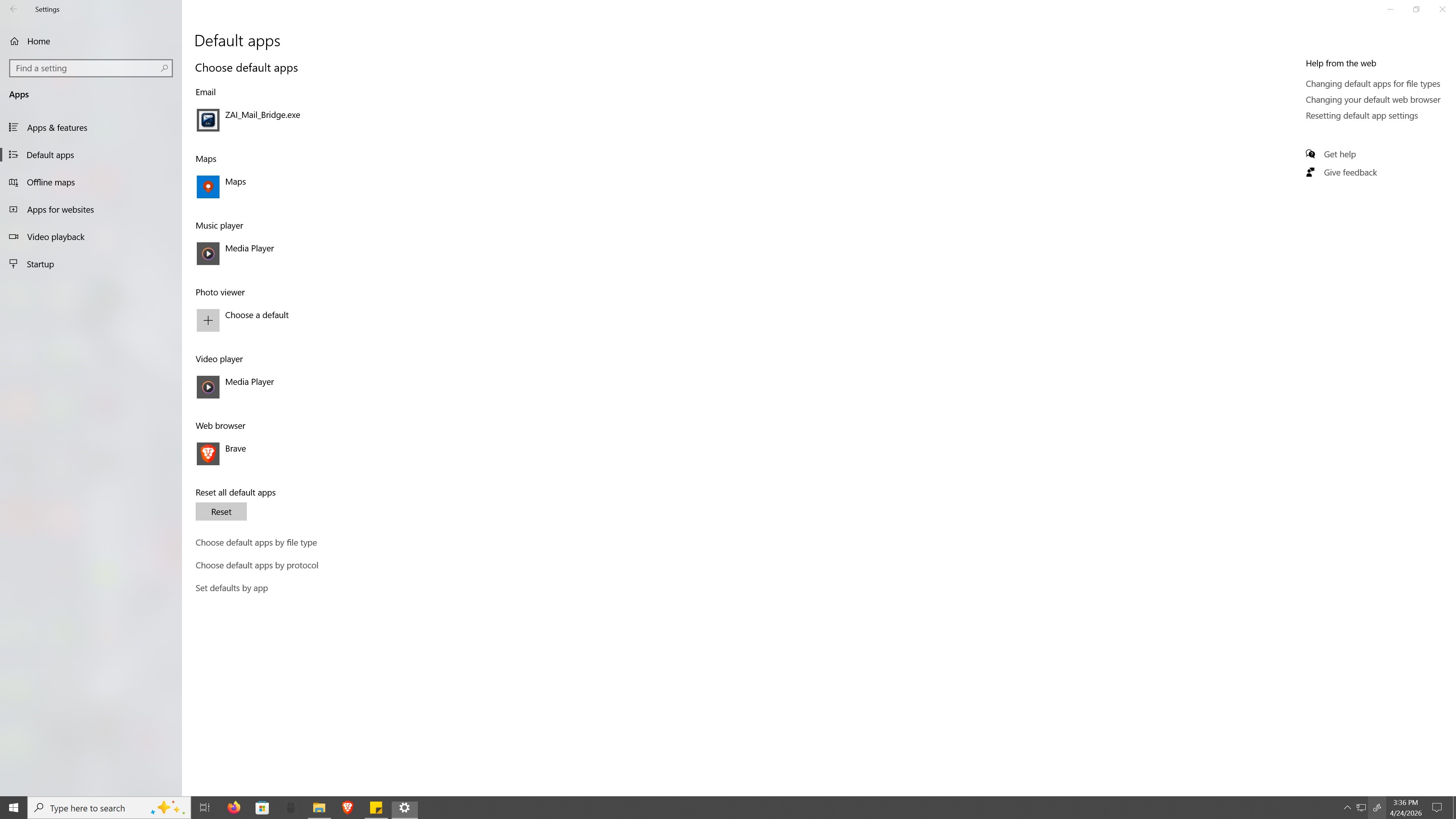
ZAI Mail Bridge registers itself as a mailto: handler during
installation. However, Windows may still require you to manually select it
as the default email-link handler.
If email links still open in Outlook or another app, go to:
Windows Settings → Apps → Default apps → Choose defaults by link type → MAILTO
Then select ZAI Mail Bridge.
Who Is This For?
- People who use Gmail in a browser instead of Outlook
- Users with multiple Gmail accounts
- Small business owners with separate personal and business email
- Anyone tired of Windows opening the wrong email app
System Requirements
- Windows 10 or Windows 11
- A supported web browser
- At least one webmail account already signed into your browser
Price
Stop fighting with email links and take control of where they open.
ZAI Mail Bridge is available for $6.99 USD
A small, one-time purchase for a tool that removes a constant annoyance from your daily workflow.
This is a small utility built to solve one annoying problem cleanly. If it saves you from fighting Outlook or mistyping support email addresses, it has done its job.
Disclaimer
ZAI Mail Bridge is not an email provider or email client. It does not send, receive, store, or process email messages. It simply redirects email-link requests to your selected browser-based compose page.
AI / Content Notice
This tool does not include or distribute AI models or generated content.
Users are responsible for complying with the licenses of any external assets they use.
AI tools were used as coding assistants during development.
Purchase
In order to download this tool you must purchase it at or above the minimum price of $6.99 USD. You will get access to the following files:
Leave a comment
Log in with itch.io to leave a comment.